The end of the product-line catalog
Parts catalogs were organized by model because cataloging each machine was too expensive. Take away that cost, and the natural unit of a parts catalog is the machine itself.
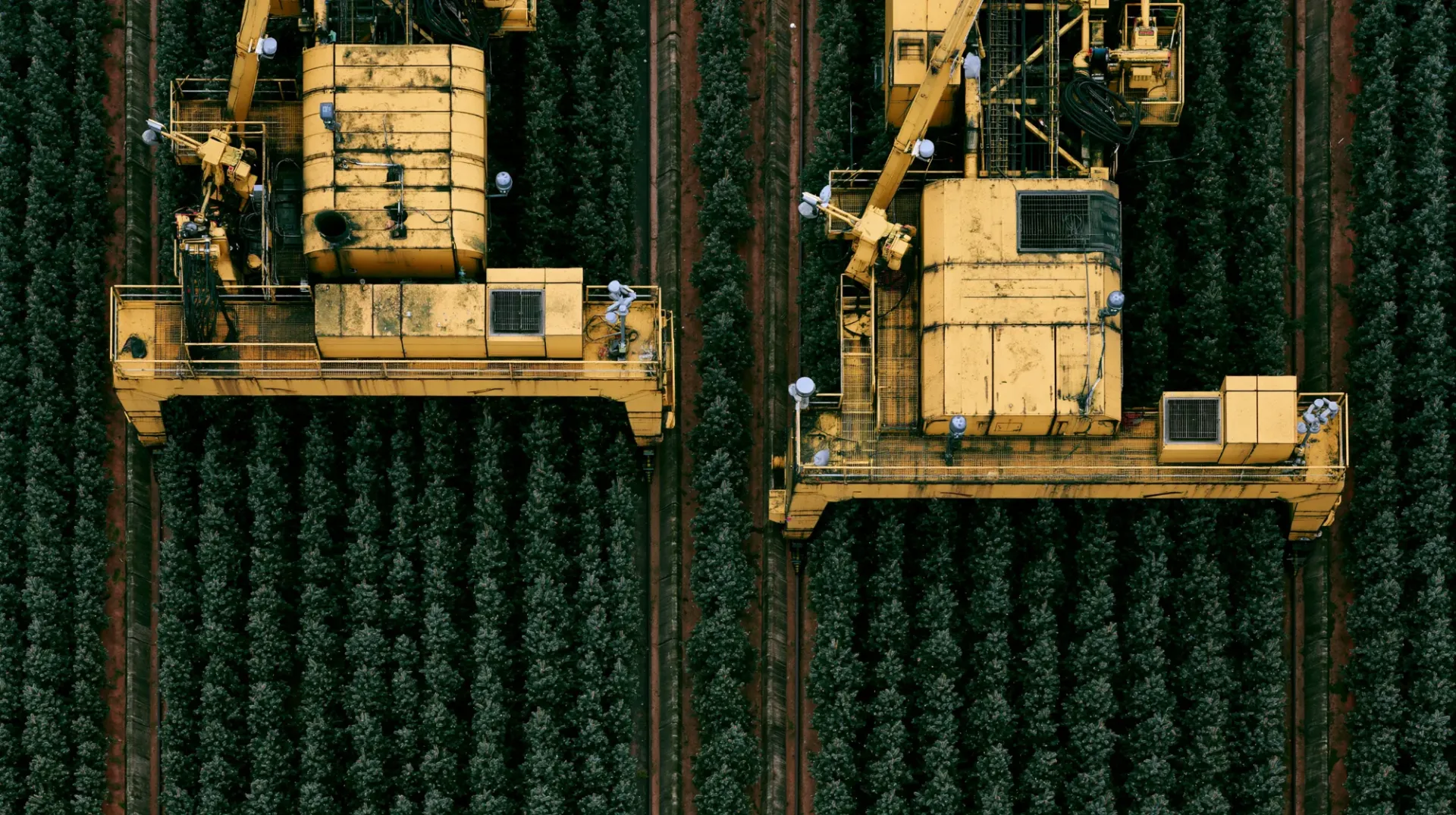
Most industrial parts catalogs are organized by product line: one set of pages for a model, covering every option and every year it was built. That structure was a practical compromise, made when catalogs were printed and authored by hand. It leaves the hardest question, which of these parts is on this machine, to the person at the counter. Now that a catalog can be built from each unit's own build record, the catalog can start from the machine instead.
Why catalogs were built around the model
For most of the industry's history, a parts catalog was a book. It was written by a small team, printed once per model, and updated when the next edition shipped. Writing a separate catalog for every unit was out of the question, so authors did the sensible thing: one catalog per product line, with notes like "up to serial number 4,213" or "with the extended option."
Digital catalogs kept the same structure. Exploded views and part lists moved onto screens, but they still describe the model rather than the machine. The work of matching a page to a specific unit stayed with the reader.
How many machines hide inside one model name
How options multiply
Seven option categories turn one model name into 1,728 possible machines.
Bar length on a log scale.
Illustrative machine. Engineering changes multiply the count again over the production run.
Show the data
| Option category added | Choices | Cumulative configurations |
|---|---|---|
| Frame length | 4 | 4 |
| Undercarriage | 3 | 12 |
| Power unit | 3 | 36 |
| Hydraulic package | 3 | 108 |
| Control system | 2 | 216 |
| Lighting package | 2 | 432 |
| Attachment kit | 4 | 1,728 |
Here's why that matters. Take an illustrative industrial machine with seven option categories: four frame lengths, three undercarriages, three power units, three hydraulic packages, two control systems, two lighting packages and four attachment kits. Multiply them out, and one model name covers 1,728 possible configurations, before a single engineering change.
Then add time. Over a model's production life, suppliers change, components are revised and parts are superseded. A machine built in the first year and one built in the fifth can share a name and a page while sharing far fewer parts than anyone would guess.
A product-line page has to show all of it. The person at the counter has to figure out which of it applies.
What that costs at the counter
When the catalog describes the model, every lookup includes a guess. The counter compares a photo to an exploded view, reads a serial number range from a footnote, or calls the factory. When the guess is wrong, a part ships, doesn't fit, and comes back, and the machine waits. When the guess takes too long, the customer buys whatever fits from the nearest shelf.
The people at the counter are doing skilled work here. The catalog's structure is what hands it to them.
What a unit-level catalog looks like
The same lookup, two ways
A product-line page leaves the choice to the counter; a unit page has already made it.
- Hydraulic pump, 28 ccHP-28-A
- Hydraulic pump, 28 ccHP-28-B
- Hydraulic pump, 45 ccHP-45-A
- Hydraulic pump, 45 ccCurrentHP-45-C
- Previously HP-45-A
Illustrative screens; no real part numbers.
A unit-level catalog starts from the machine. Enter a serial number or VIN, and you see that unit:
- Its parts, as it was built, with the options it actually has and nothing it doesn't.
- Its current part numbers, with supersessions already applied, so the part shown is the one you can order today.
- Its history, including changes that affect it, such as a revised component or a recall.
- The same answer everywhere, whether the person looking is at the OEM, a dealer or a fleet.
Browsing by system still works, and exploded views are still useful. They're just filtered to the machine in question.
Why now
Two things changed. First, AI made it affordable to read every line of every unit's build record and turn it into catalog entries, work that used to take a skilled person one line at a time. Our perspective on AI and manufacturing data covers that shift.
Second, AI agents can now carry out the multi-step upkeep that keeps a unit-level catalog current as engineering changes arrive. Our perspective on what AI agents change in the parts business walks through how that works.
Together, they remove the reason the product-line catalog existed.
What stays the same
Product-line pages still have a place. Prospective buyers compare models. Marketing describes options. A technician sometimes wants to see how an assembly goes together across the range. Those uses don't need to know which unit you're standing next to.
Service is different. Every repair happens on one specific machine, and the catalog that serves it should start there.
Where Enduris fits
Enduris builds the service catalog unit by unit from the OEM's build records, so a lookup by serial number or VIN shows the parts that machine was built with, kept current as engineering changes arrive. The guide to VIN and serial number parts lookup covers what that looks like in practice.
Common questions
What is a unit-level parts catalog?
A parts catalog that shows the parts for one specific machine, identified by its serial number or VIN, as it was built and with current part numbers applied.
Does a unit-level catalog replace exploded views?
No. Exploded views stay useful for finding a part by location. In a unit-level catalog they're filtered to the parts the machine actually carries.
What about machines that were modified after they shipped?
The build record shows the machine as it left the factory. Enduris then carries the changes since: engineering changes, supersessions and, where the OEM’s service records are connected, field replacements. For anything not on record, supplier cross-references and a photo of the part resolve it.